
01
Make it yours
Confirm your tariff, connect supported equipment and choose your reserves, charging needs and automation permissions.
Learn · Explore the app
Try the examples. Explore your choices. See how tariffs, battery priorities and charging goals come together in the app.
These educational walkthroughs use illustrative scenarios. They do not connect to your account or change your equipment.
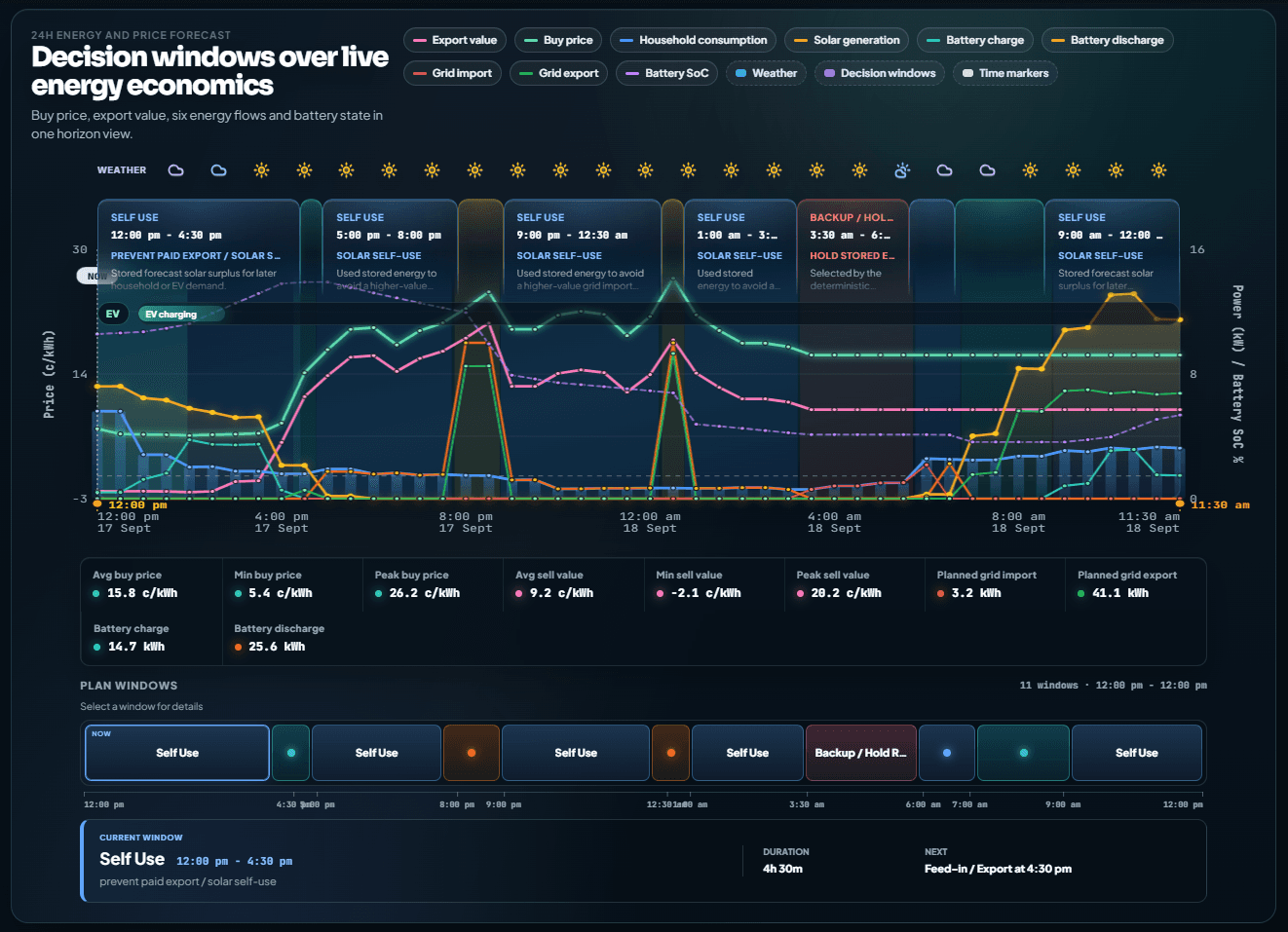
Set the direction. Let the plan take shape.
Your energy needs change through the day. VPPiQ Home brings your household patterns, expected sunshine and confirmed tariff together, then plans within your preferences and equipment limits.
Confirm your tariff, connect supported equipment and choose your reserves, charging needs and automation permissions.
Usable household history and forecasts help VPPiQ Home understand what your home may need and when.
Once ready and enabled, supported automation follows the plan. As conditions change, the next plan can adapt.
Set and Forget starts with a good setup. You stay in control, and changed tariff terms still need your review.
Setup questionsComplex tariff. Clearer decisions.
A cheap hour is only useful if it fits your home. Explore how different tariff rules can change when energy is used, stored or brought in from the grid.
01 / Your tariff, understood
Some tariffs charge for demand as well as energy. VPPiQ Home can prepare stored energy ahead of a demand window, then use what is available to help reduce grid demand.
Your battery plan considers the demand window before it arrives.
Grid import may still be needed. Equipment limits and your reserve apply; demand-charge dollar savings are not calculated here.
The window that matters
4 pm–9 pmBefore 4 pm: prepare stored energy where useful. From 4–9 pm: avoid battery grid charging and use available stored energy to help reduce grid demand.
Times shown in the home’s local time. Illustrative timings and amounts.
Explore the idea, not a live tariff quote. Your actual plan depends on your confirmed tariff, forecasts, preferences, equipment and available data.
Battery & inverter intelligence
Hold more energy back. Use more of your sunshine. Give price opportunities more room. Choose the priorities that suit your household, within the limits you set.
Check your supported inverter and battery setup: available energy, capacity, power limits and supported controls.
Set your household reserve and permissions for grid charging and stored-battery export. Equipment limits still apply to every mode.
A profile helps rank the valid choices. It never unlocks a prohibited action or turns on automation by itself.
Balanced · Planning priorities
Bring bill reduction, solar use and reserve protection into the same decision. Balanced looks for worthwhile opportunities without making every price change a reason to act.
The trade-offMay pass up smaller trading opportunities to keep the plan more measured.
20%
The same household reserve across all three managed examples. Each mode adds its own planning buffer above this. Changing mode does not remove the reserve.
Device minimums also apply. The strongest applicable reserve sets the lower limit.
How the priorities can play out
Use available stored energy above your reserve.
Keep useful surplus for later household demand.
Use stored energy when it helps avoid higher import prices.
Consider useful charging while protecting the next day’s position.
Sunny midday, higher evening import prices, and a connected battery. Managed examples assume grid charging and stored-energy export are permitted; each mode can still decline them. Actual timing and actions depend on your whole plan.
You choose how far it goes
Preview lets you observe and review plans without automatically applying them. Your selected battery mode still shapes the plan you see.
Website example only. This control does not enable automation.
A reserve is a planning boundary. Supplying your home during a power cut also requires compatible backup hardware and installation.
Check supported equipmentEV charging · Built around your next drive
Tell VPPiQ Home the charge you want and when you need it. Then choose whether earlier charging, forecast solar or lower-cost opportunities matter most.
Your car’s needs become part of the household plan, alongside solar, battery use and electricity prices.
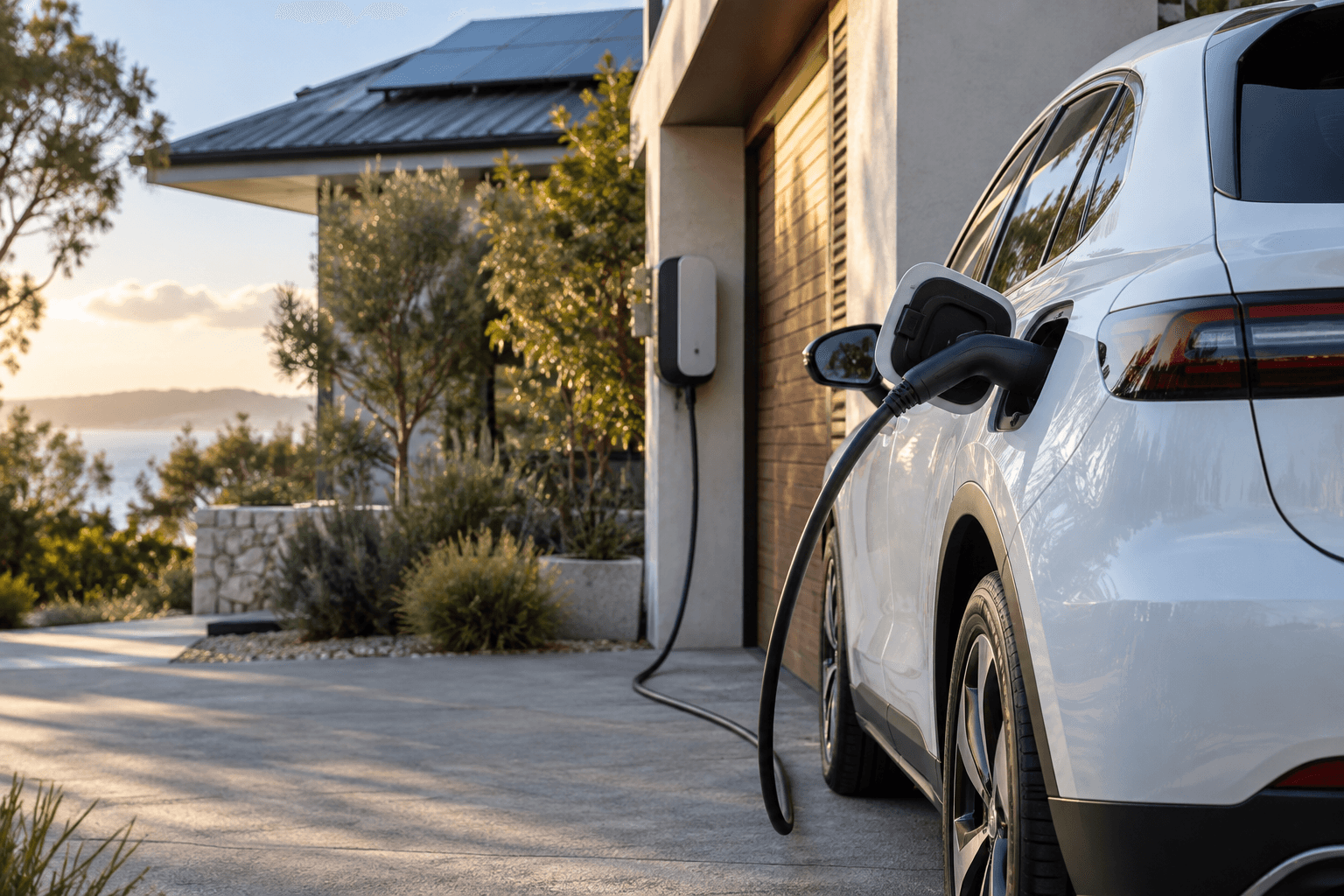 Tomorrow starts with a plan.
Your next drive, considered
Try an illustrative day. These choices do not change your car or account.
A weekday routine: repeat this target and local ready-by time, Monday to Friday.
Every example assumes the car stays plugged in at home from the selected time until its deadline.
Starting charge + planned charging Target marker: 80%
Aim for the ready-by target using lower-cost opportunities. VPPiQ Home considers the whole plan and available time, with demand and price-spike restrictions still applying.
Forecast surplus solar · stronger at midday
Waiting for value can move charging later. The target still depends on the car being connected and enough charging capacity.
A 60 kWh usable battery starts at 40%. The example allows a constant 6 kW reaching the battery, without tapering or interruptions. All power and energy figures, including solar, are battery-side amounts after losses. Each hour has a fixed illustrative price ranking and a forecast of surplus solar left after other household use. Noon–4 pm is the lower-price period; these are not actual tariff rates.
Fastest selects the earliest available hours. Lowest Cost selects the lower-price hours first. Solar Preferred uses only the example surplus-solar forecast. This teaching model does not reproduce VPPiQ Home’s optimiser, completion buffers, demand restrictions or equipment controls. Actual charging depends on connection, vehicle limits, forecasts, tariffs, permissions and available household power.
All times are local to the example home. Recurring and one-off choices demonstrate goal types; the same selected day has the same energy calculation. No costs, savings or vehicle range are estimated.
Charging profiles express priorities, not a guaranteed charge level. Supported vehicle connections and household setup determine which actions are available.
Check EV compatibilityAutomation, with room for real life
Some days call for a different choice. Understand your manual settings, make a supported change, and know what happens when you return to the plan.
Battery setup
Configure supported battery work modes, reserves and daily schedule windows. Check the controls available for your inverter and keep manual configuration distinct from your planning profile.
Normal work-mode and minimum-charge settings require scheduling to be inactive. Supported controls depend on your equipment; physical limits still apply.
Explore how control works. These buttons explain the journey; they do not operate your battery or car.
Clarity, before and after
A useful energy plan should be understandable. Mia, your virtual energy assistant, helps you explore the reasoning; History gives you context from recorded energy and outcomes.
Mia helps you understand your home’s energy and the thinking behind your plan. For supported changes, she prepares a proposal for you to review and confirm.
“Why is my battery charging now?”
Mia can help explain a plan using available household context, such as energy needs, prices and priorities. Ask for the reasoning behind what you see.
Illustrative workflow, not a customer conversation. Explanations depend on the evidence available to Mia.
Explore recorded solar generation, home use, grid imports and battery contribution. Look across days to see your household’s rhythm and energy sources.
Recorded history depends on available telemetry. Missing data should not be read as zero use.
Put it together in VPPiQ Home
Check your supported equipment and bring your household priorities into the app.
Check compatibility